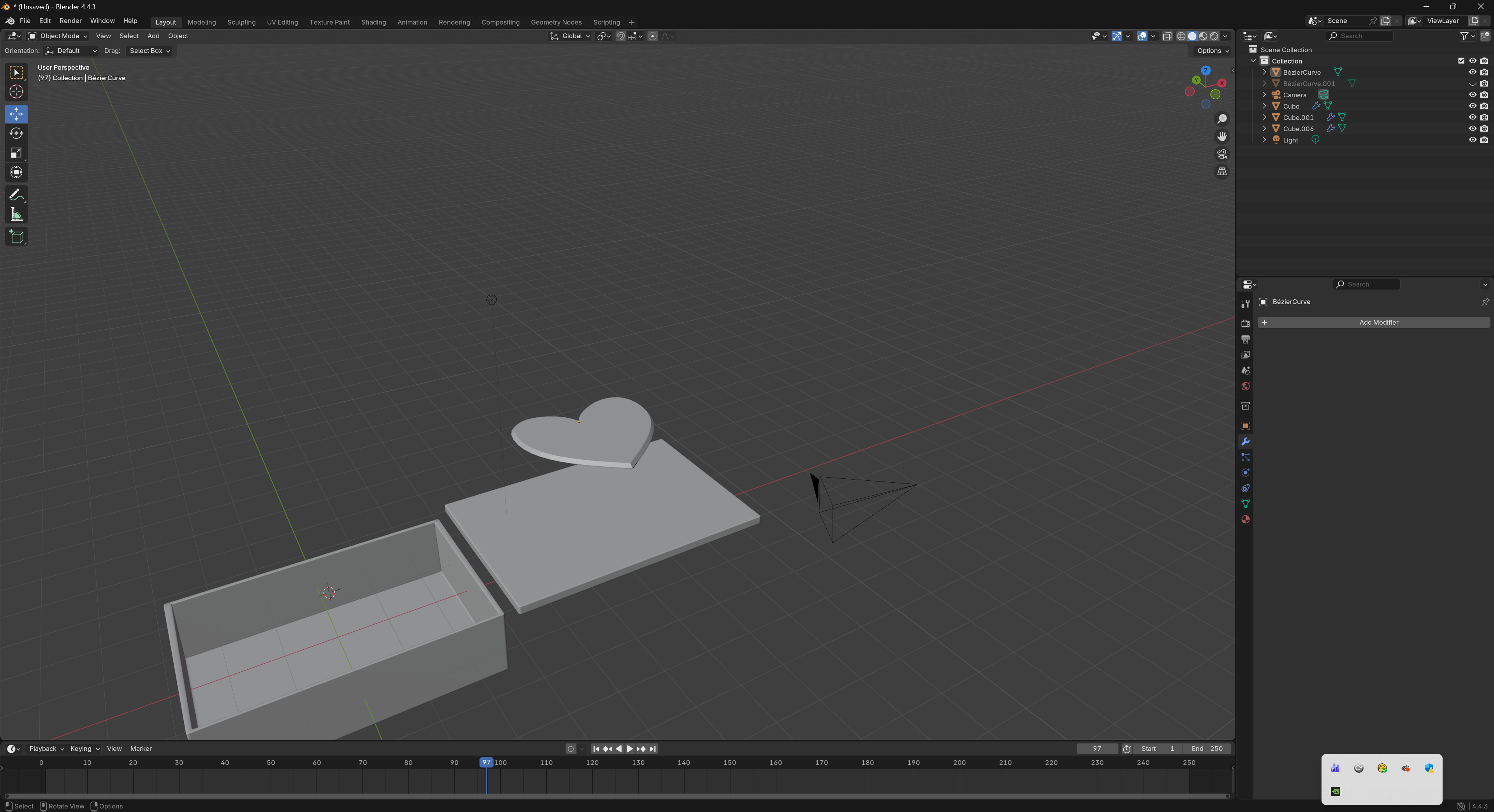
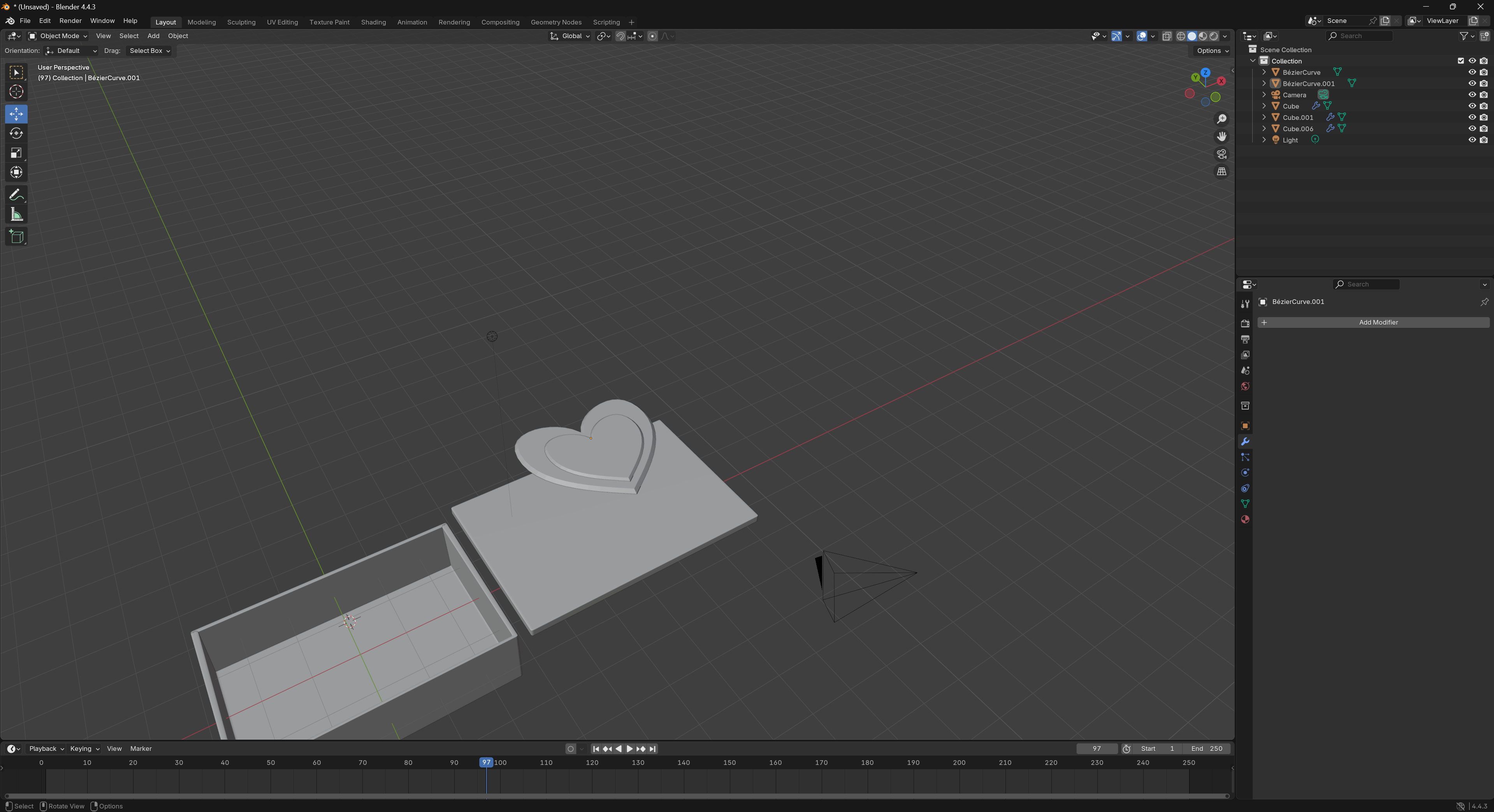
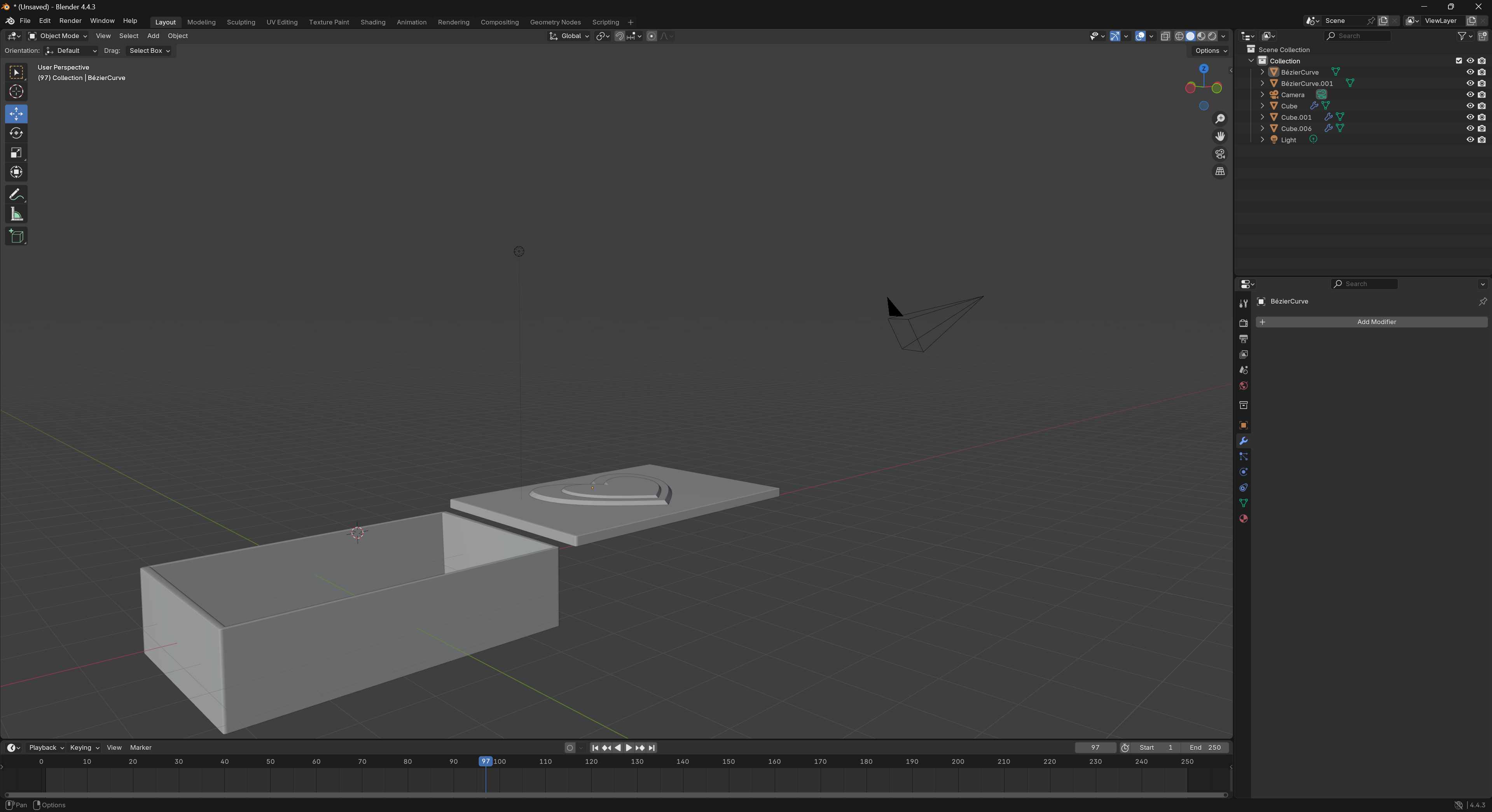
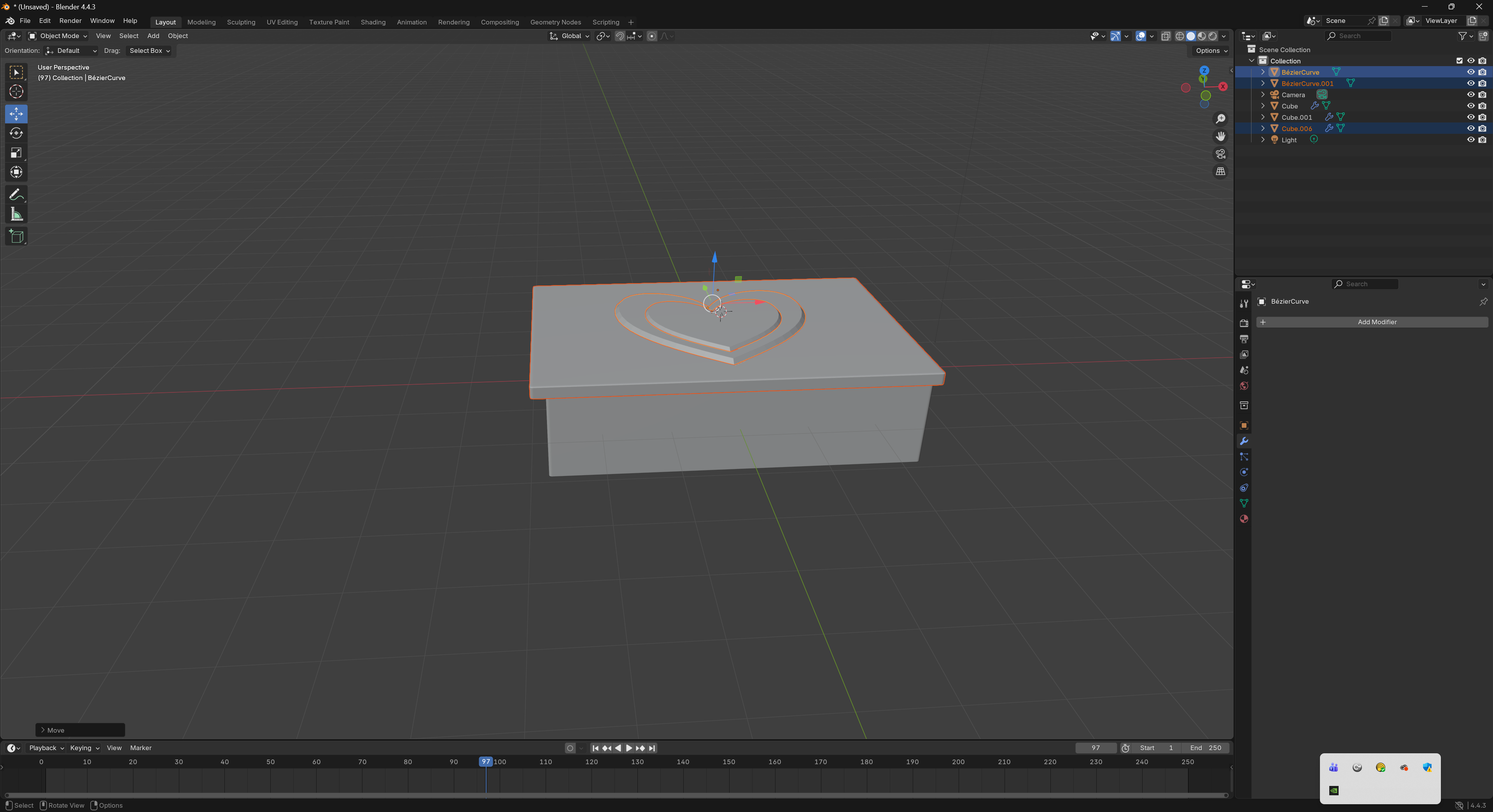
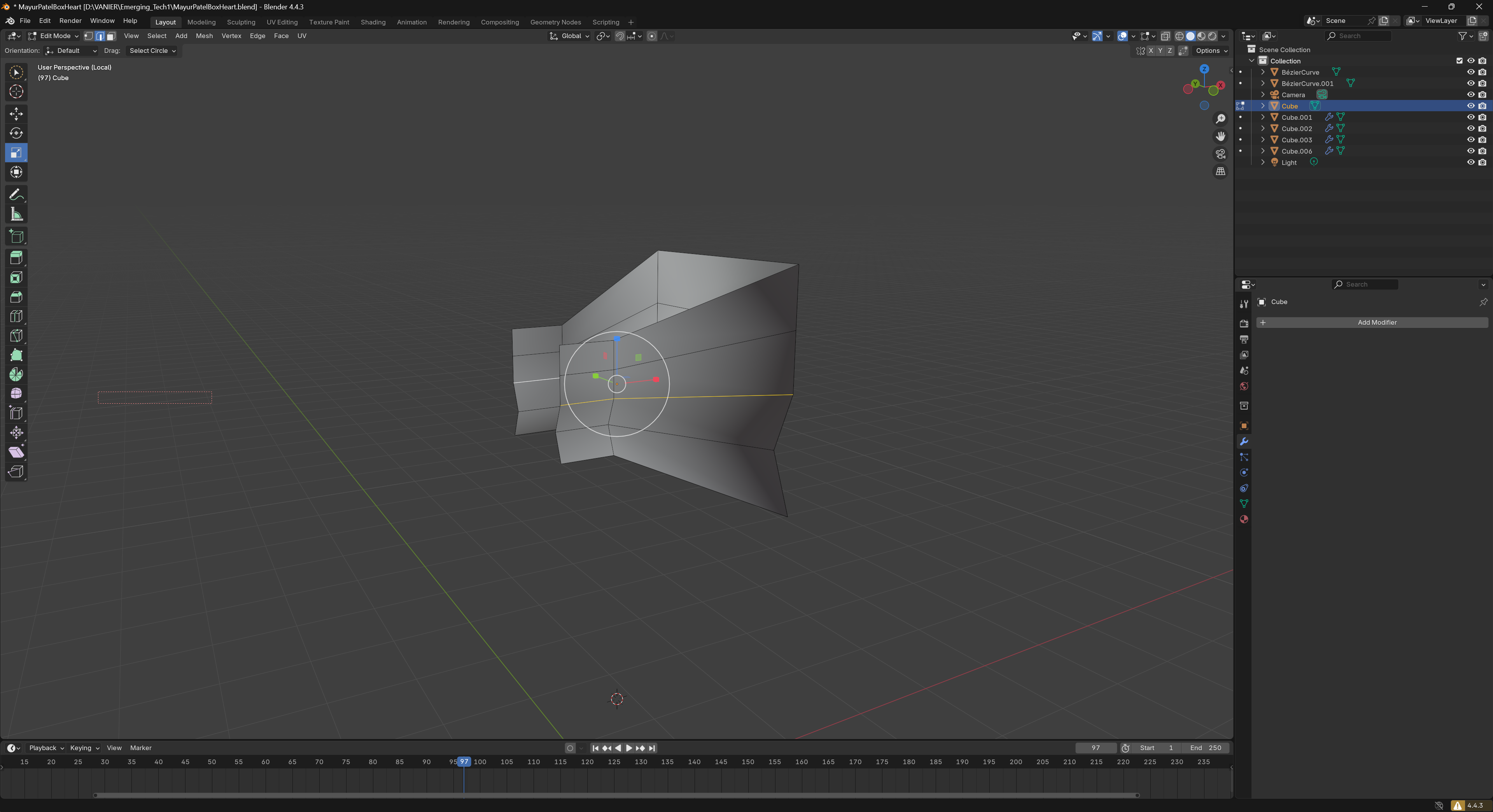
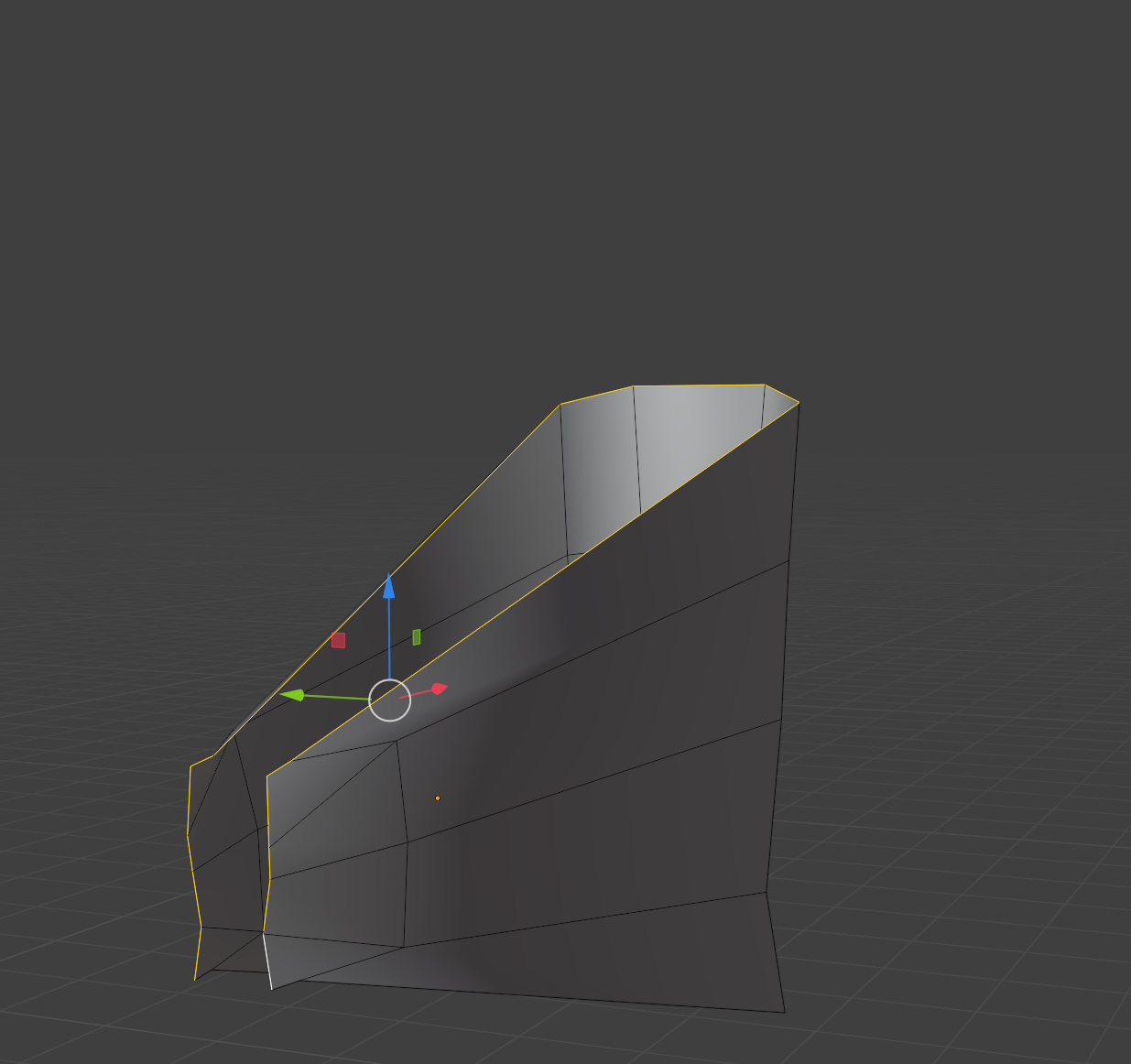
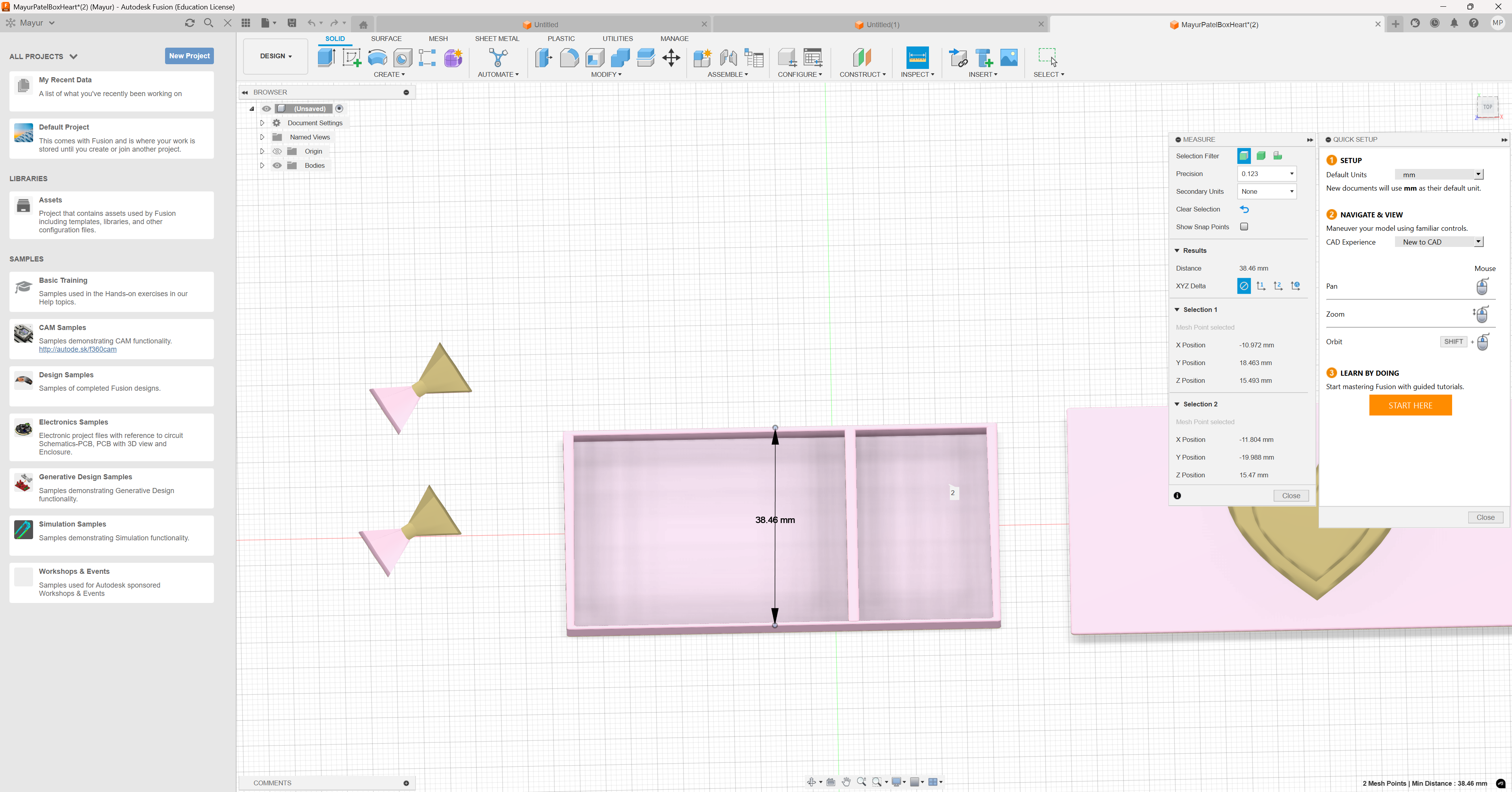
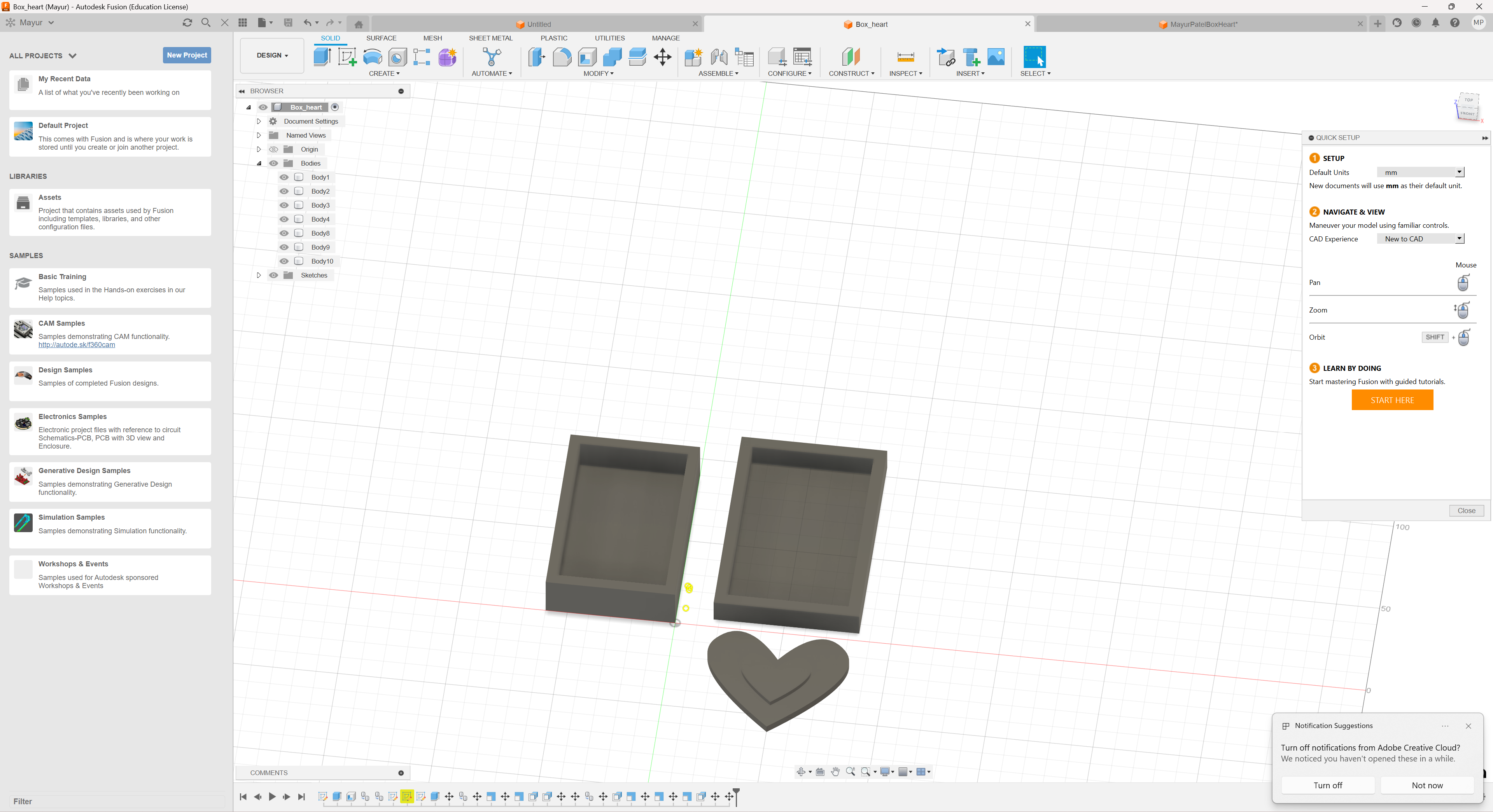
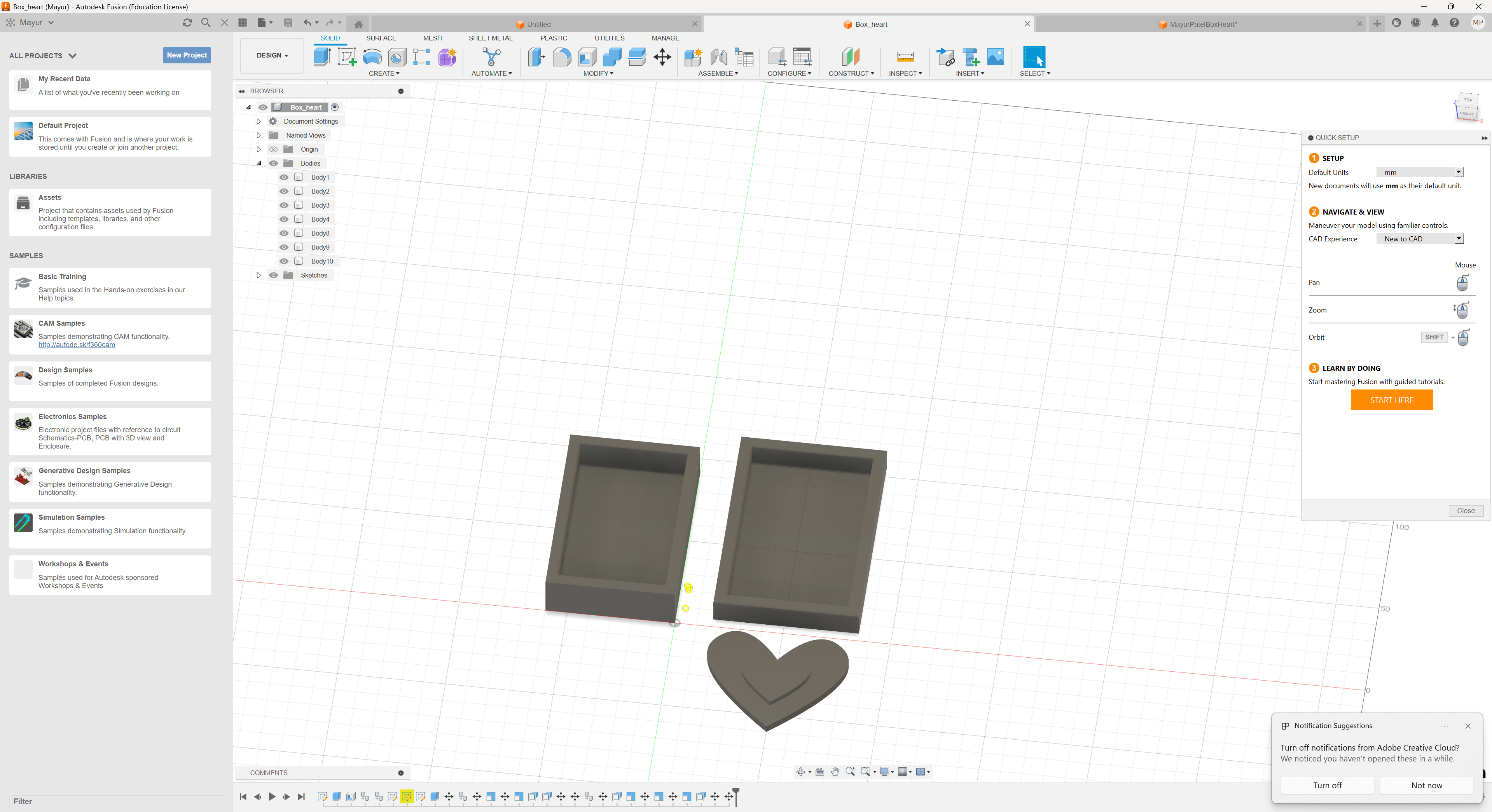
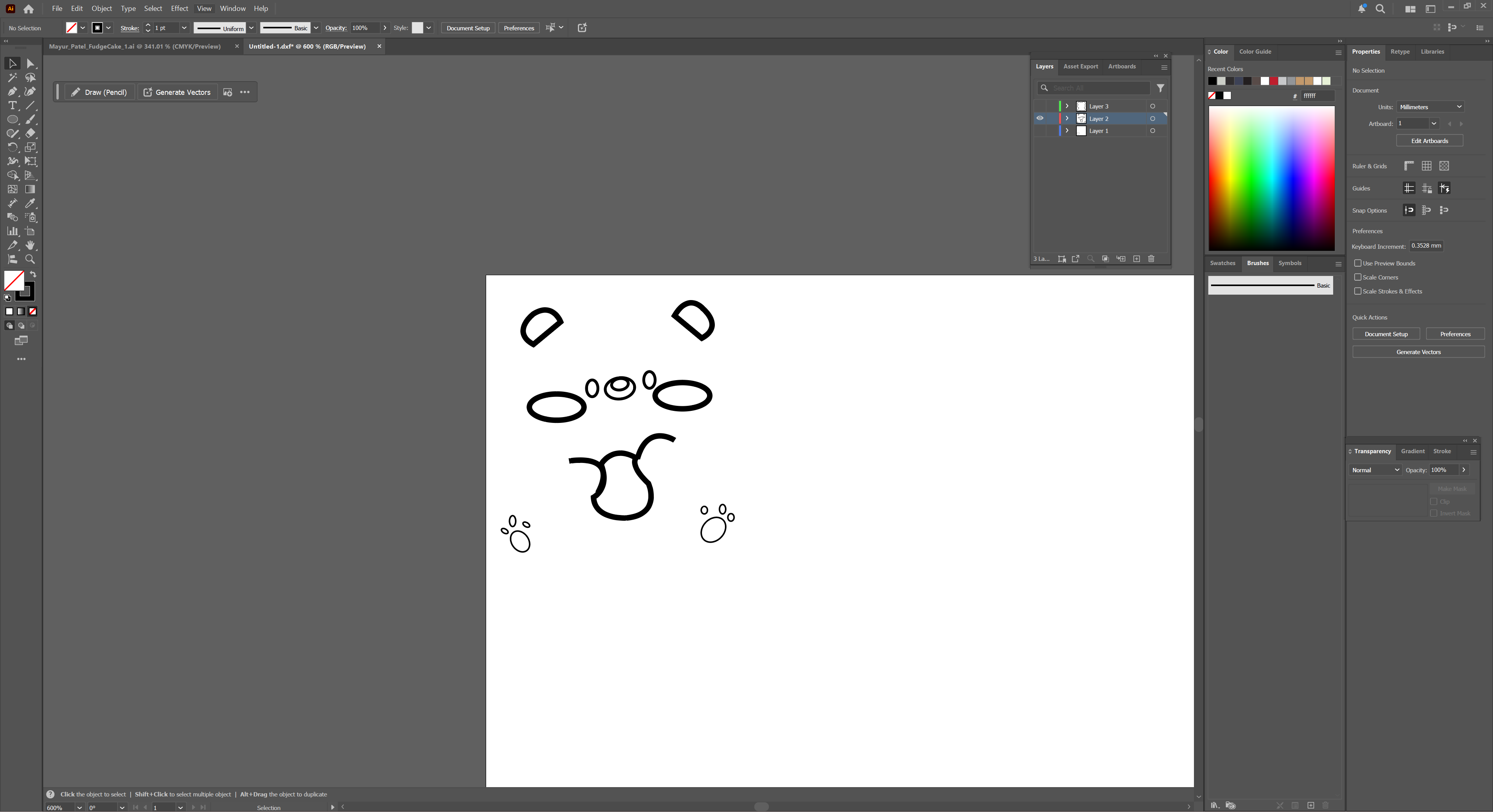
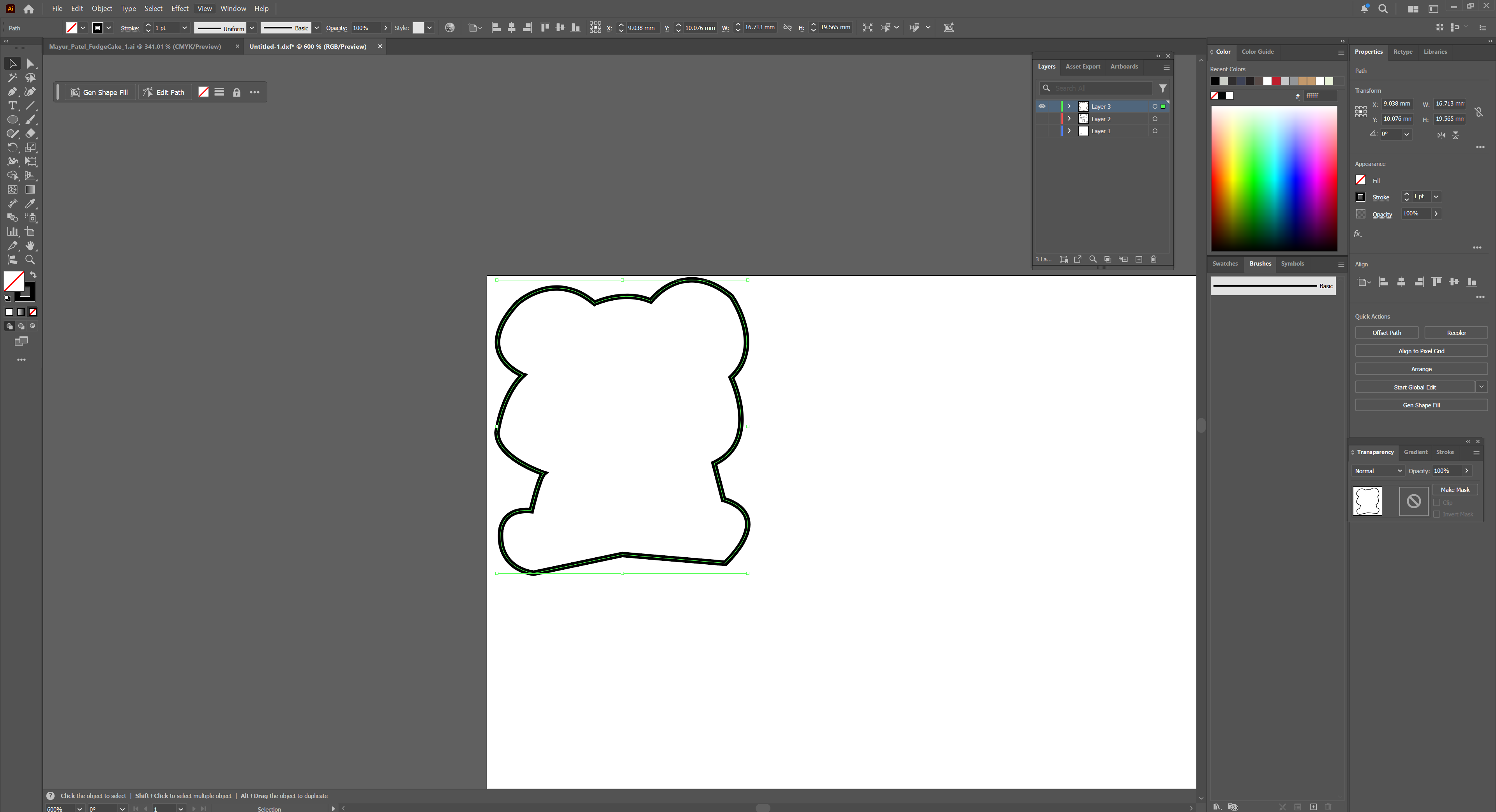
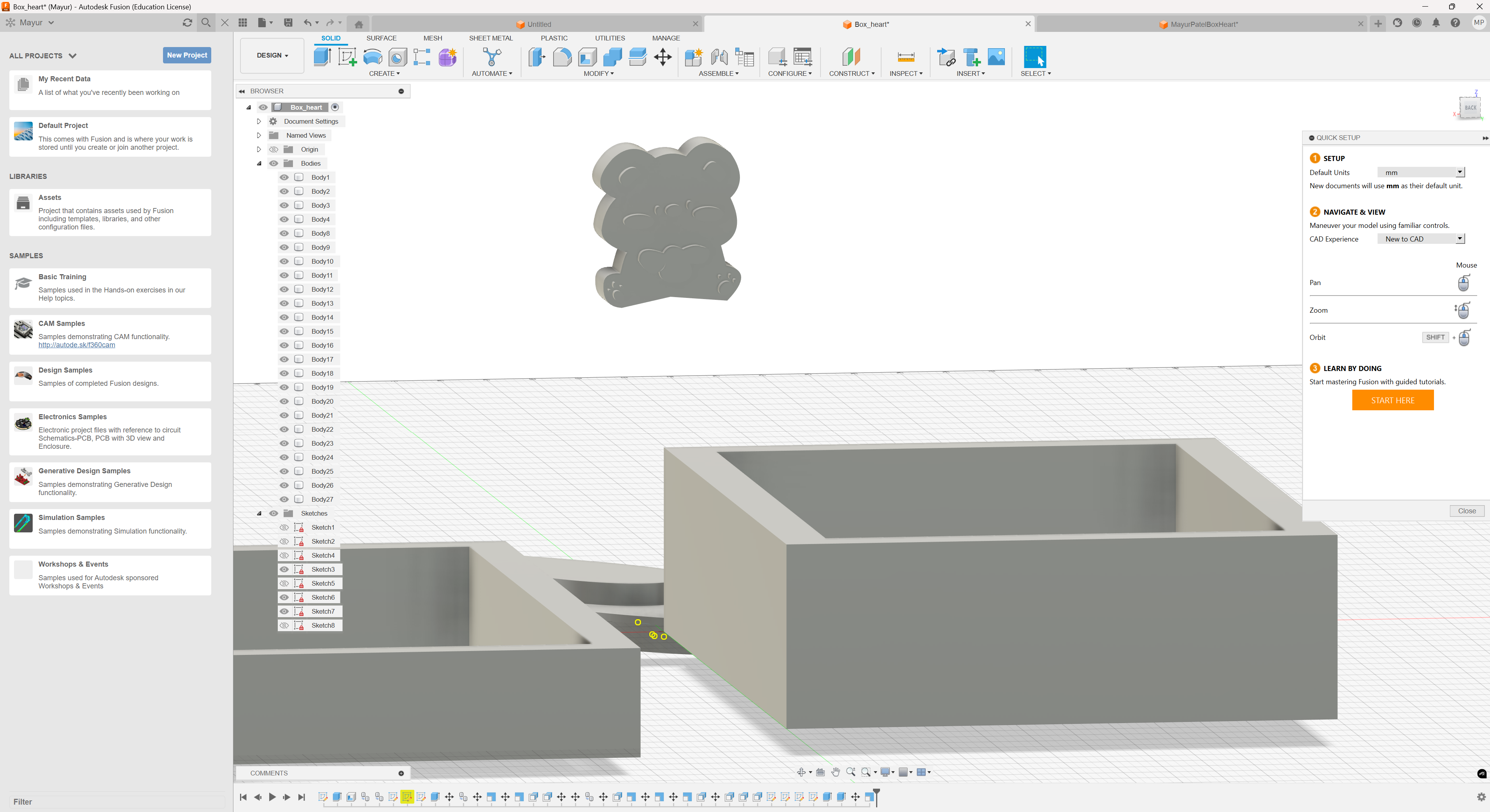
BackOn blender i added a cube, removed a face then streched it out for it to be similar sizes to the box i was looking for. I then copy pasted and made it smaller.I then made a heart, with the Curve, Bezier Tool. i added two and layered it on top one and another I then fused it together with the boxi tested out if the lid would fit onto the box, which it did i then made a bow, use a cube, delete the top, bottom and one of the faces on the side. Cut it in the center before taking the top and bottom intersection to make a bow like shapeWith the other cuts i made before, i shaped the bow so it looks better before duplicating and reflecting it. I didnt mirror it as the two things would overlap which i didnt want. i wanted for it to have a small space so i can make the center part of the bow.I then exported it as an STL and for some reason it said it was the perfect size, when it really wasnt. It ended up being horribly small so i had to sadly remake my object on FusionI quickly made a box by using the cube and extruding it and basically did the same thing like i did for Blender. On Adobe Illustrator (AI) I ended up drawing a heart and exported it as an svg file before importing it into Fusion, doing the exact same thing like on blender where i made a smaller one and made it sit on top of the bigger one. I then traced a bear, seperating the face and body.Saving the two files as an SVG, i exported it into Fusion before extruding it.I then overlapped the two things and was finally done!